The nearest string
Detection follows the note you play.
Guitar, bass & ukulele tuner
Choose your instrument and tuning, play a string, and follow the needle and cents readout. The tuner detects the nearest string automatically.
The tuner shows the target, direction, and distance from pitch without making you select every string by hand.
Detection follows the note you play.
The needle shows whether the pitch is sharp or flat.
The cents readout makes the final adjustment precise.
Real screens, real controls, and the exact path you use when you open this part of the studio.
Play a string and the tuner follows the nearest target in the selected tuning. The note, direction, needle, and cents value stay visible together.
Open the Guitar Tuner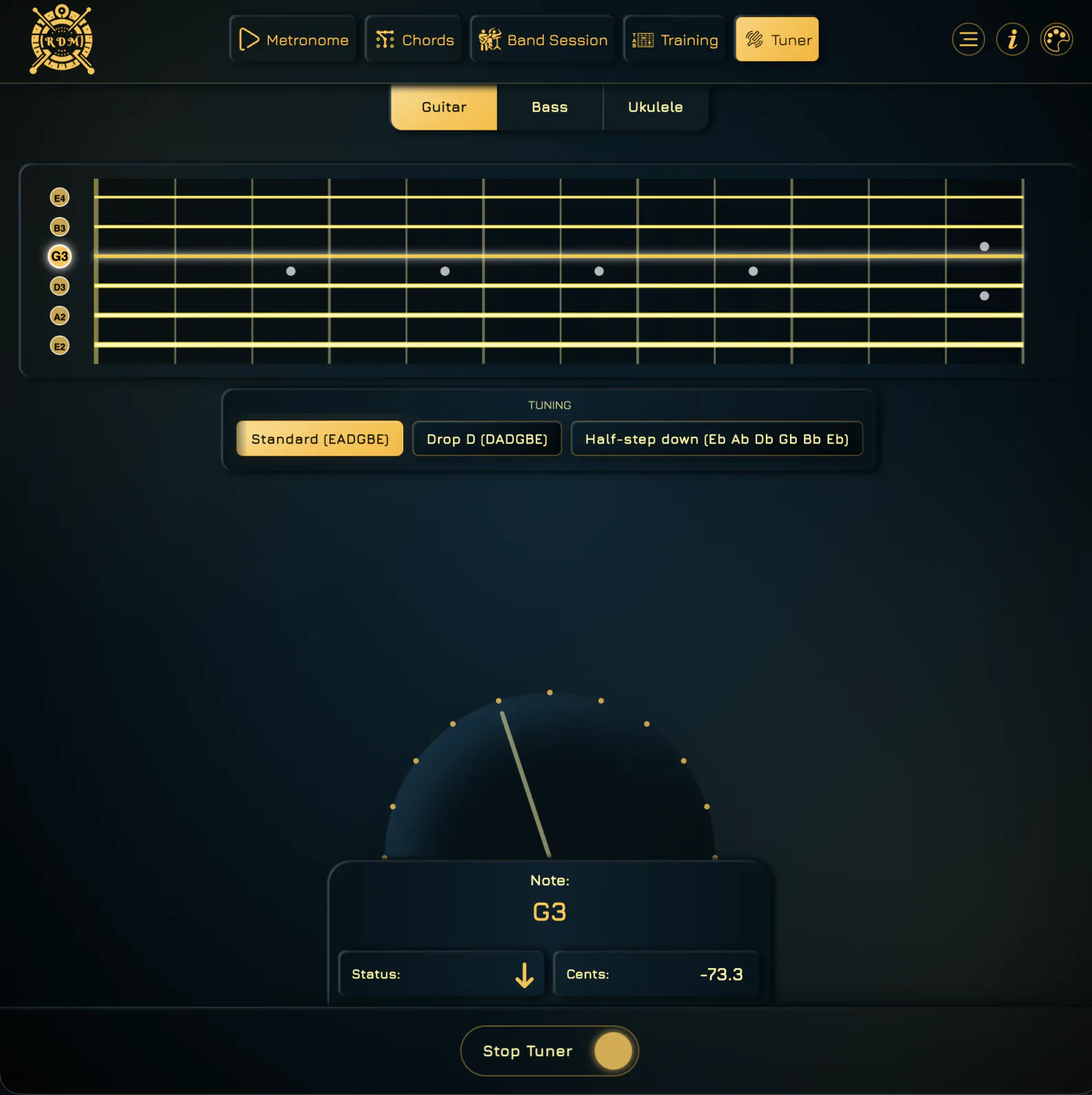
Switch to Bass for a four-string fretboard and standard EADG targets. The same needle and cents readout help you settle each string before the next rehearsal.
Open the Bass Tuner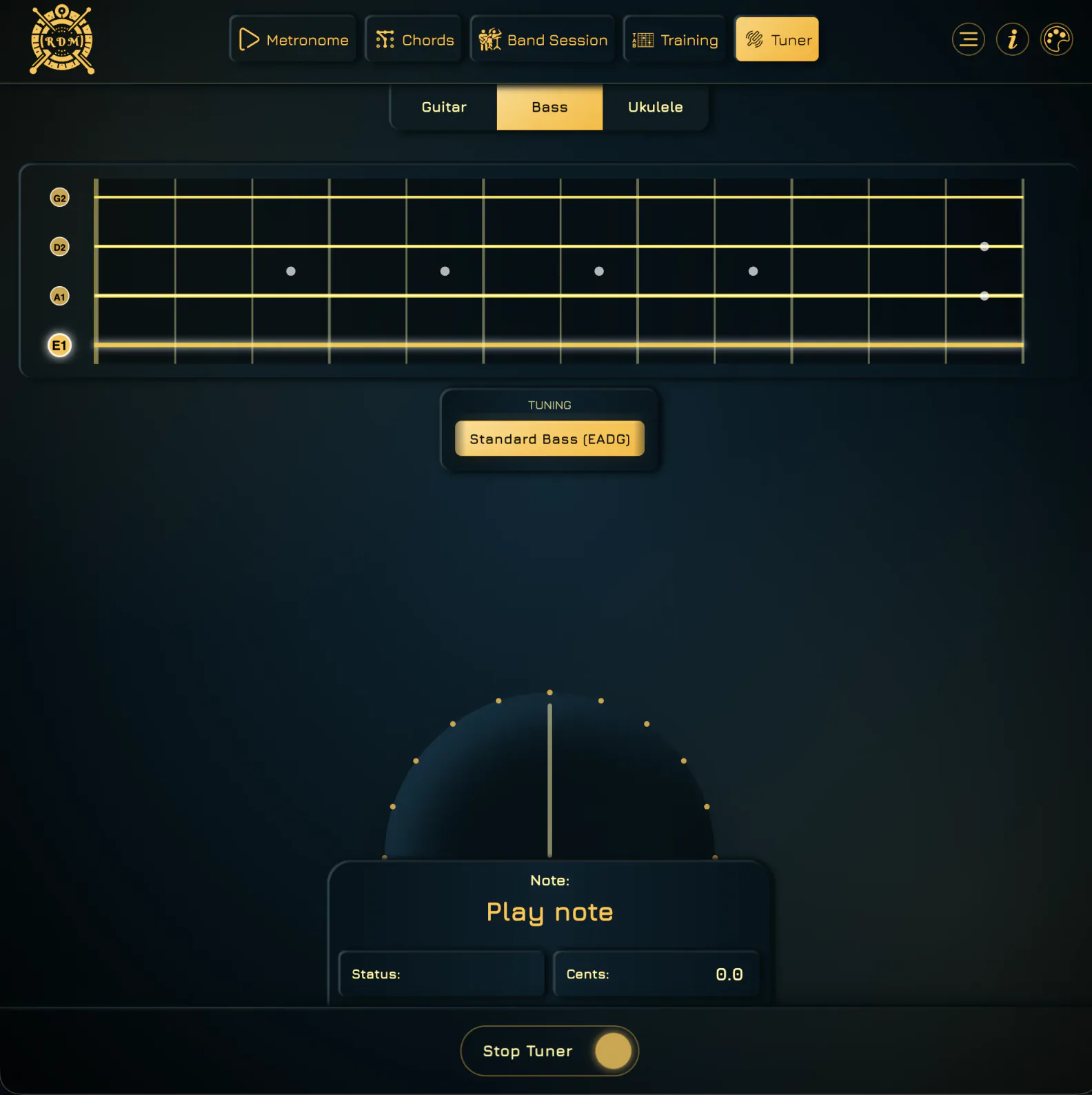
Move between guitar, bass, and ukulele, then choose the tuning you actually use — including standard, low G, and baritone ukulele options.
Open the Ukulele Tuner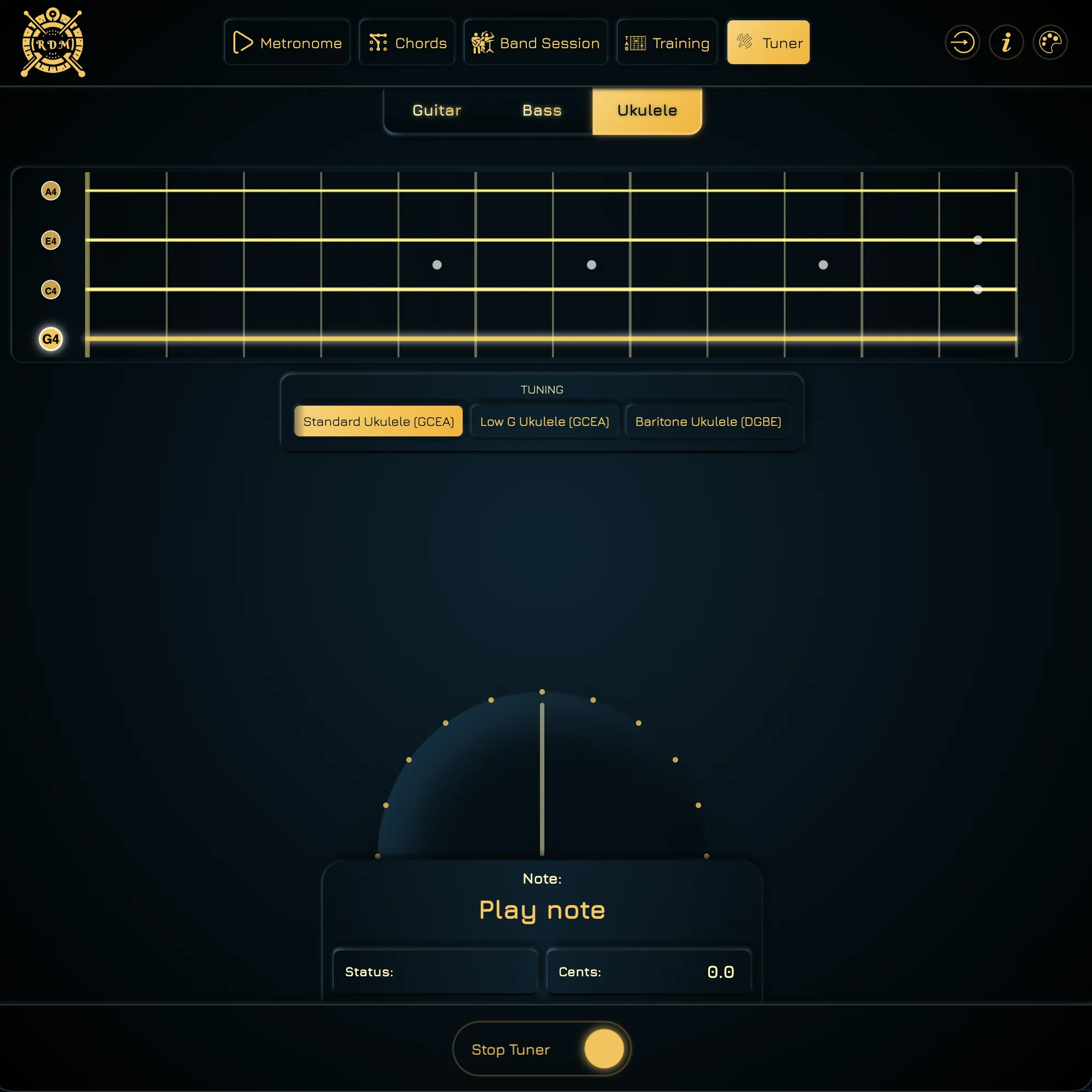
Select guitar, bass, or ukulele and the tuning you actually use.
The browser listens locally through the microphone to estimate the pitch.
The tuner detects the nearest note in the active tuning and highlights the target.
Use the needle and cents value to tune up or down until the string lands on pitch.
The tuner is intentionally quick: choose the instrument, play a string, and adjust from the cents feedback before moving straight back into practice.
The tuner updates the target string as you play instead of requiring constant taps.
Numerical feedback helps with precise tuning and intonation checks.
Guitar, bass, and ukulele modes keep detection scoped to the selected tuning.
Tune, then move straight into rhythm practice without changing apps.
Tune guitar, bass, or ukulele, then move straight into the metronome or training screen.