Keep riffs in time
Loop a short riff against a steady groove. Listen for rushed notes, late accents, and uneven gaps before raising the BPM.
150+ presets · 40–520 BPM
Practice riffs, scales, and chord changes with real drum grooves. Learn when to keep a steady BPM, when to increase the tempo automatically, and how a short count-in helps you start with both hands ready. Then open the metronome and try it with your guitar.
Use the kick, snare, and hi-hat to hear where your playing sits in the bar. Pick one part to work on and a tempo where you can repeat it cleanly, then use the same groove to hear whether your timing stays consistent.
Loop a short riff against a steady groove. Listen for rushed notes, late accents, and uneven gaps before raising the BPM.
Play one scale pattern at a comfortable tempo. Once the notes are even, use Progressive mode to increase BPM in planned steps while keeping the same fingering.
Give each chord a fixed number of beats and repeat the progression. Start slowly enough to land each change on time, then increase the tempo as the movement becomes reliable.
Keep one BPM locked while you work on timing, or turn the session into a planned speed workout. Both modes use the same drum grooves and familiar controls.
Set one BPM and stay there for as many repetitions as the part needs. It is the direct choice for timing, groove, and clean consistency.
Plan the BPM stages and repetitions once, then keep playing while the workout advances automatically or when you tell it to.
Real screens, real controls, and the exact path you use when you open this part of the studio.
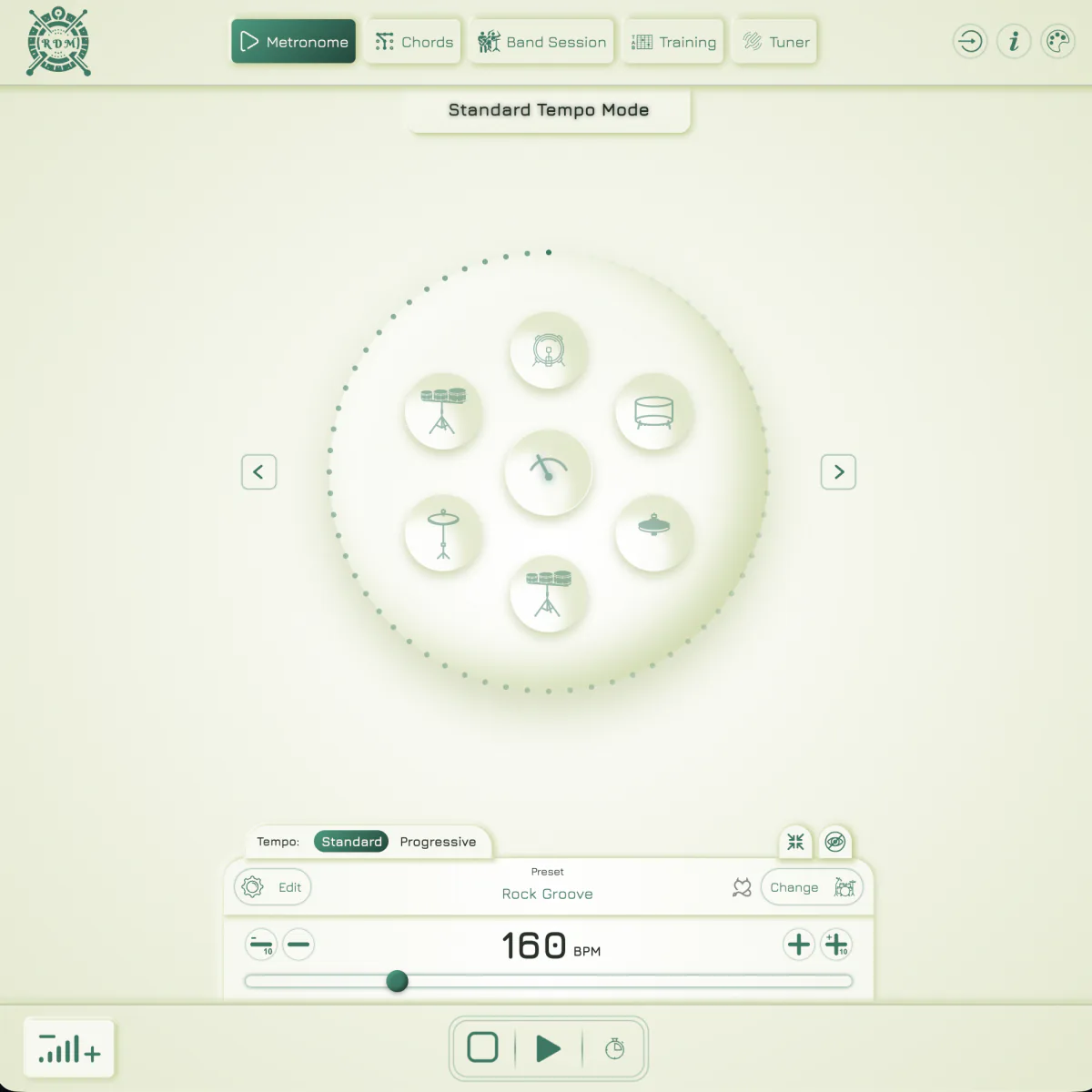
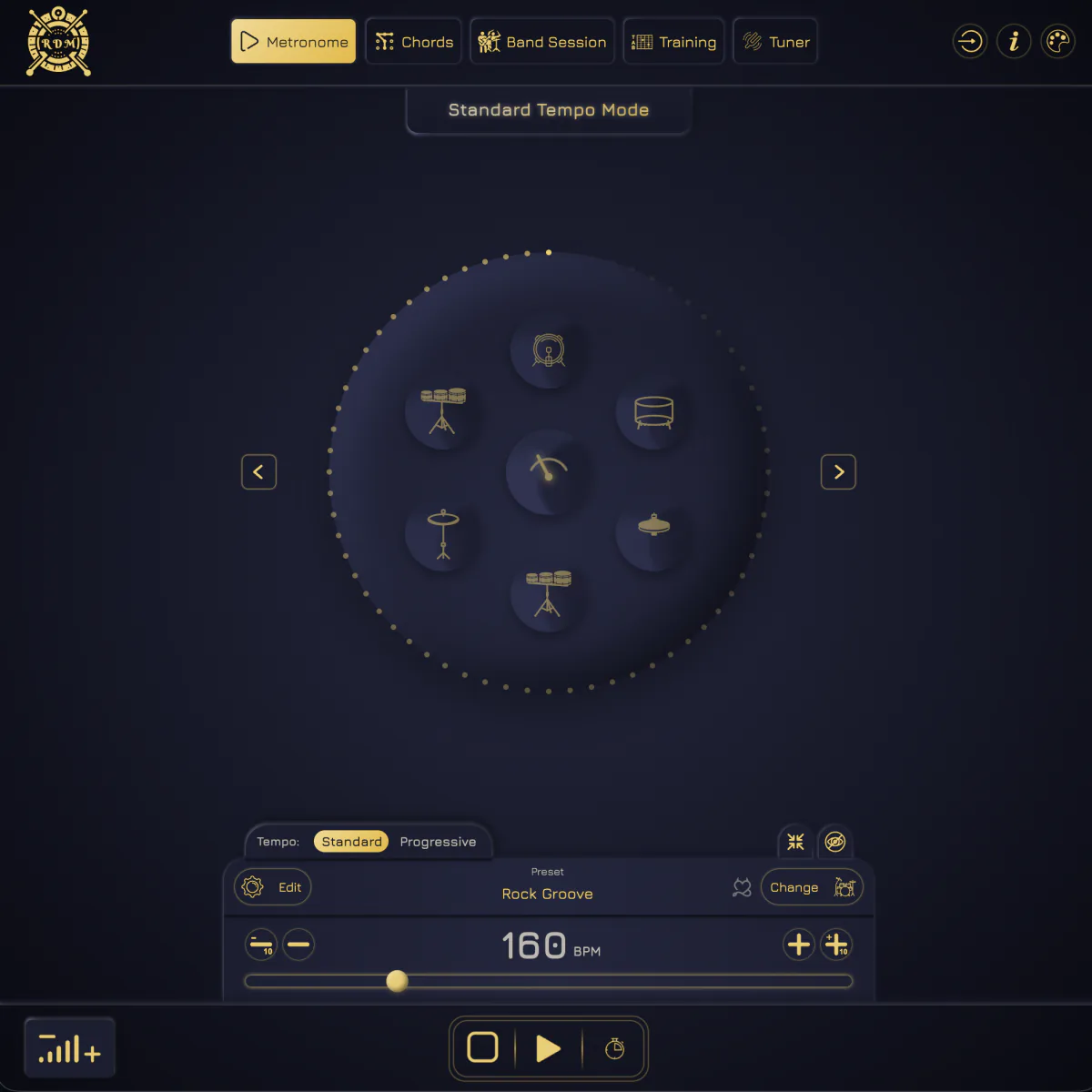
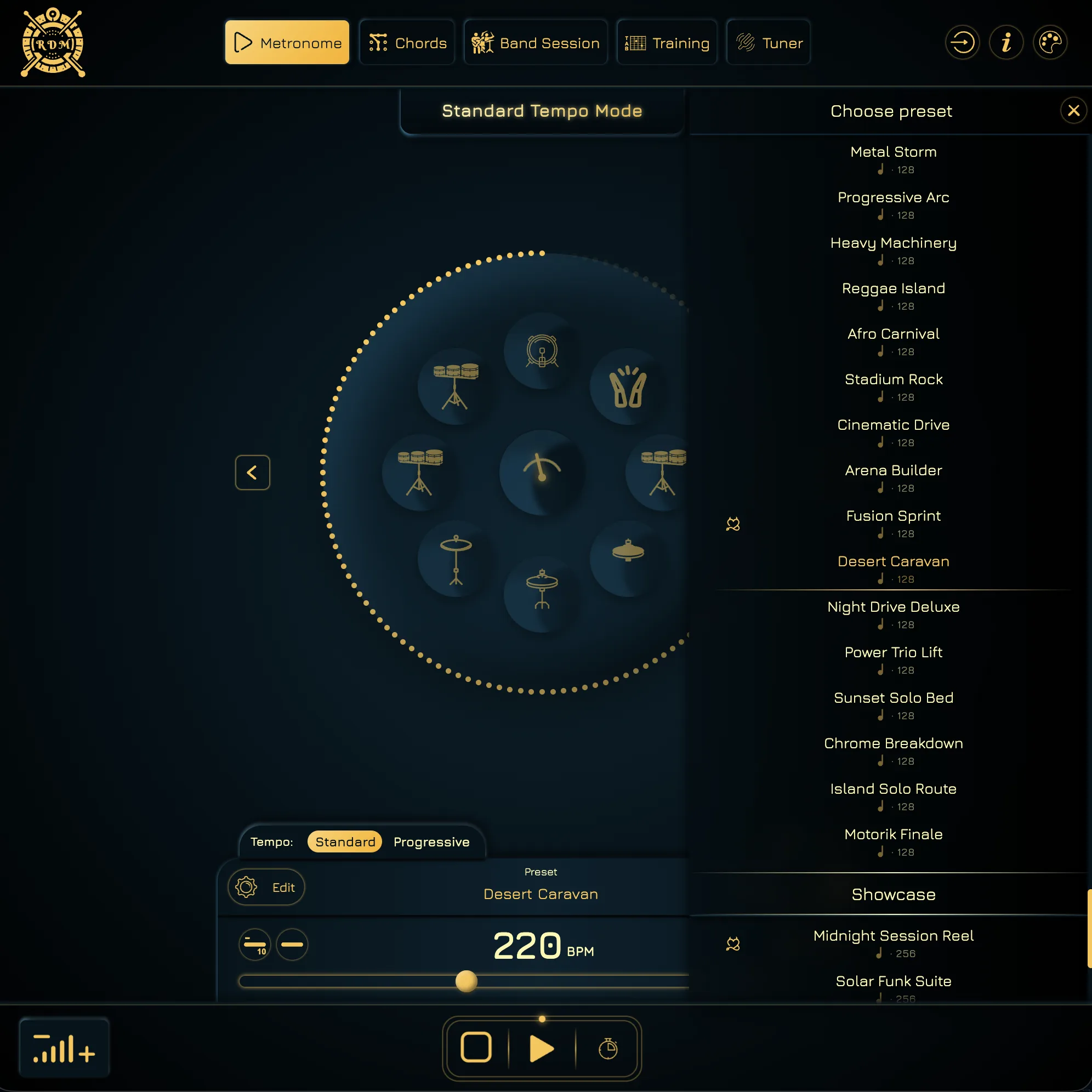
The drum wheel, pulse, preset name, BPM control, count-in toggle, and transport stay visible together. Nothing important is hidden when you need to make a quick change between repetitions.
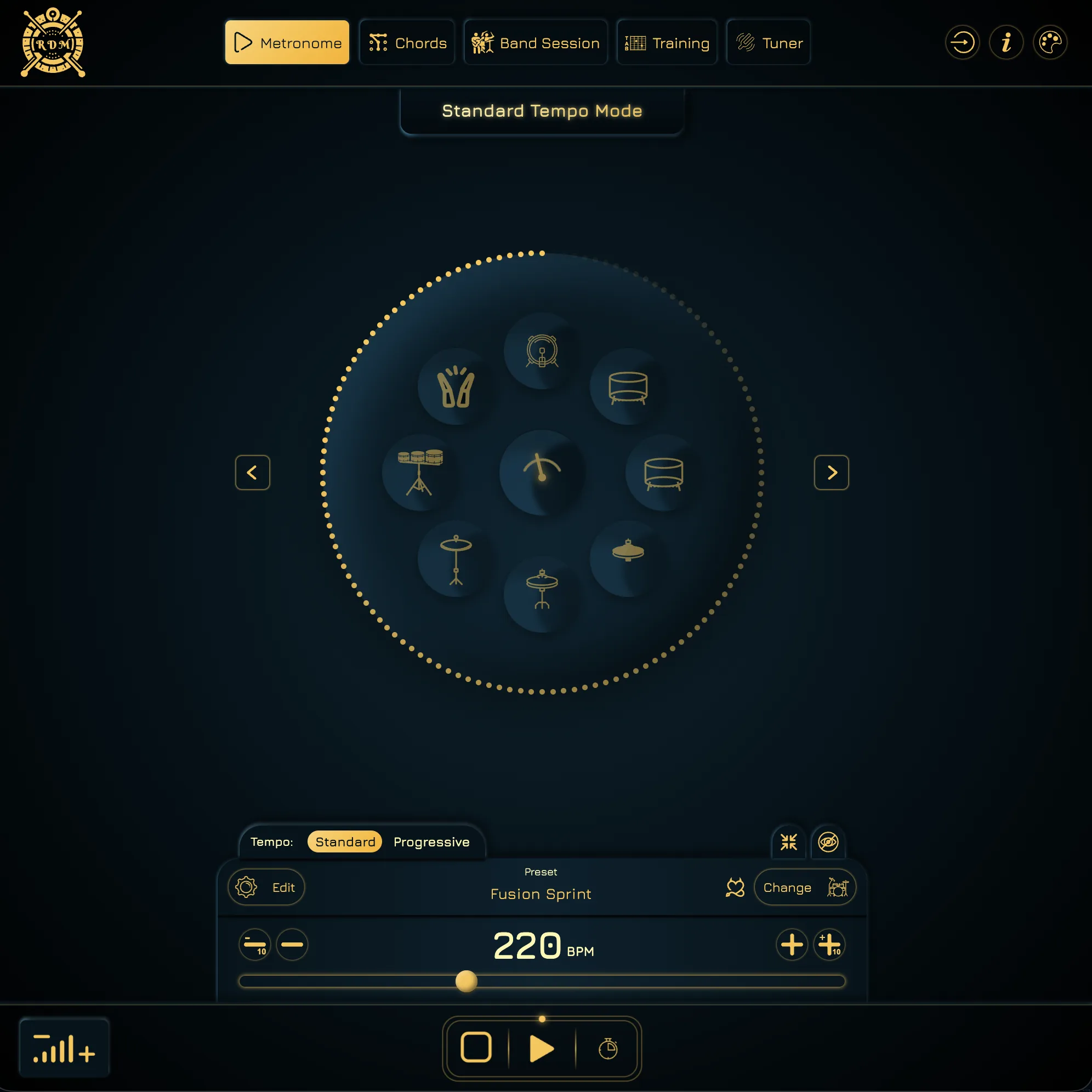
Open the library and choose a click, groove, beat, fill, or showcase pattern that fits the exercise. It already contains 150+ presets across free and Premium, and it is built to keep growing as new sounds arrive.
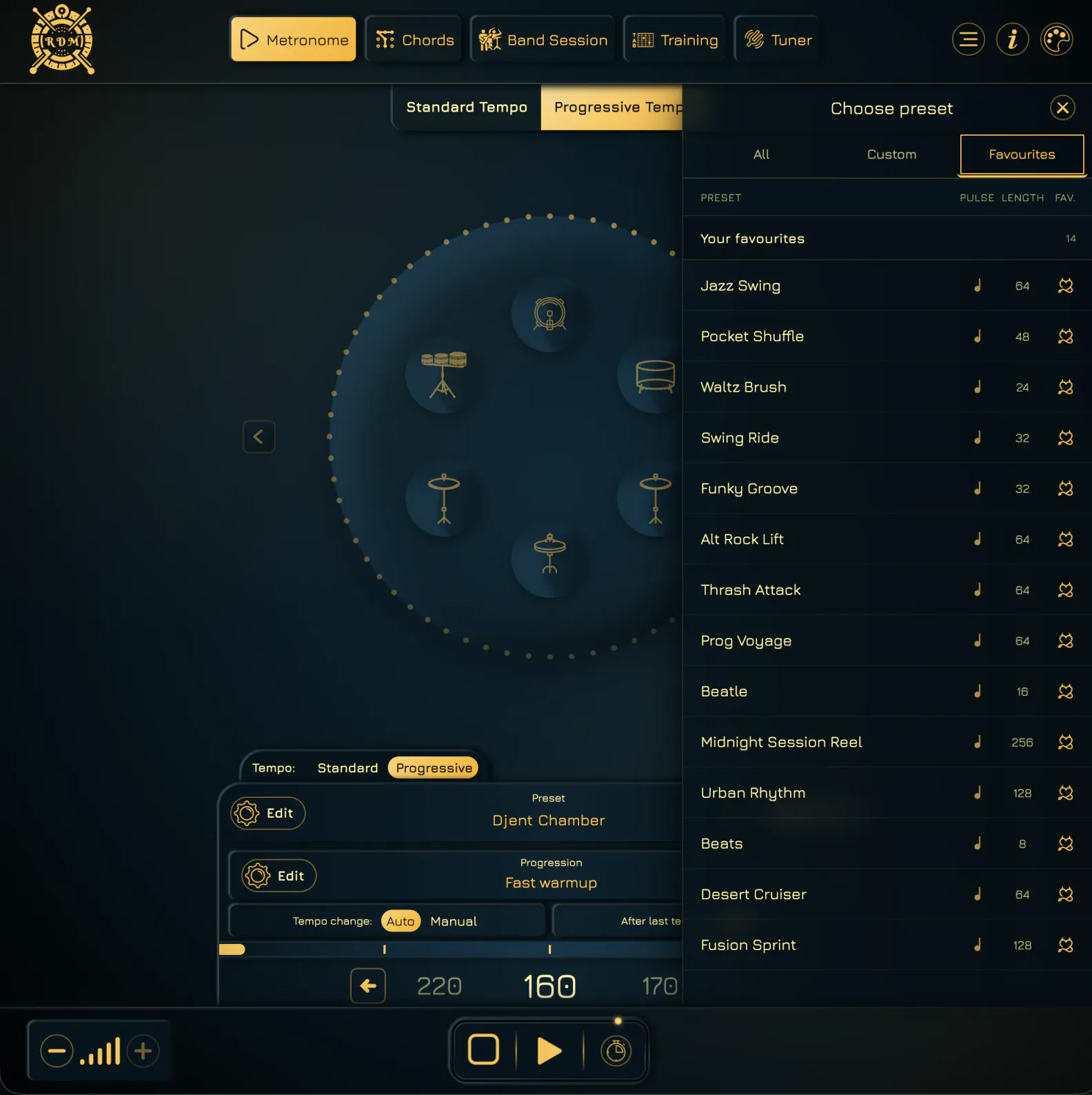
Star the presets that suit your practice and open the Favourites tab when you need them again. Keep a short list for warmups, songs, and drills without searching the full library.
Open the editor, choose from hundreds of sounds, place the hits, balance their volume, and preview selected bars. Premium lets you save the finished preset to your personal library for later use.
Explore the preset editor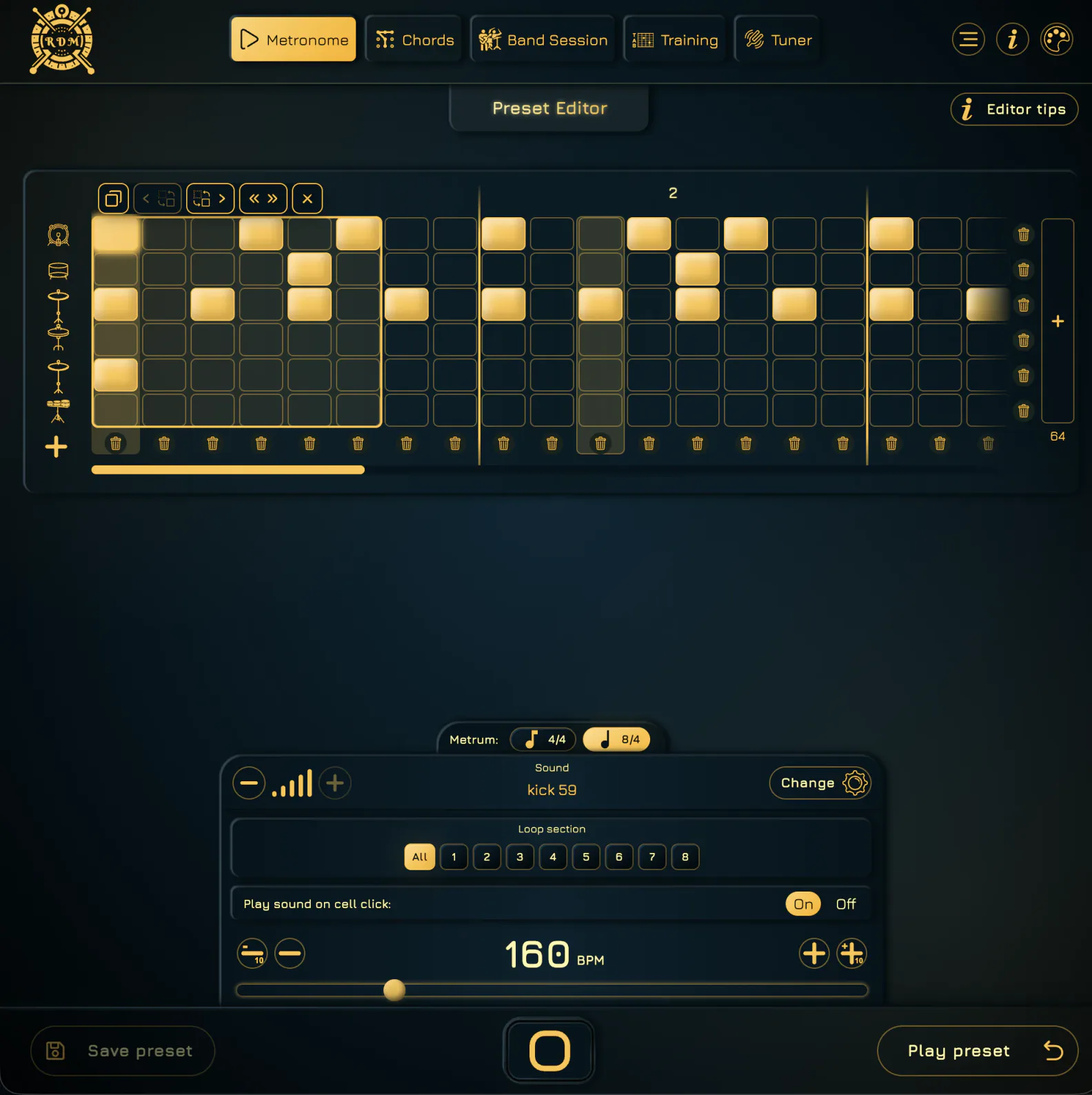
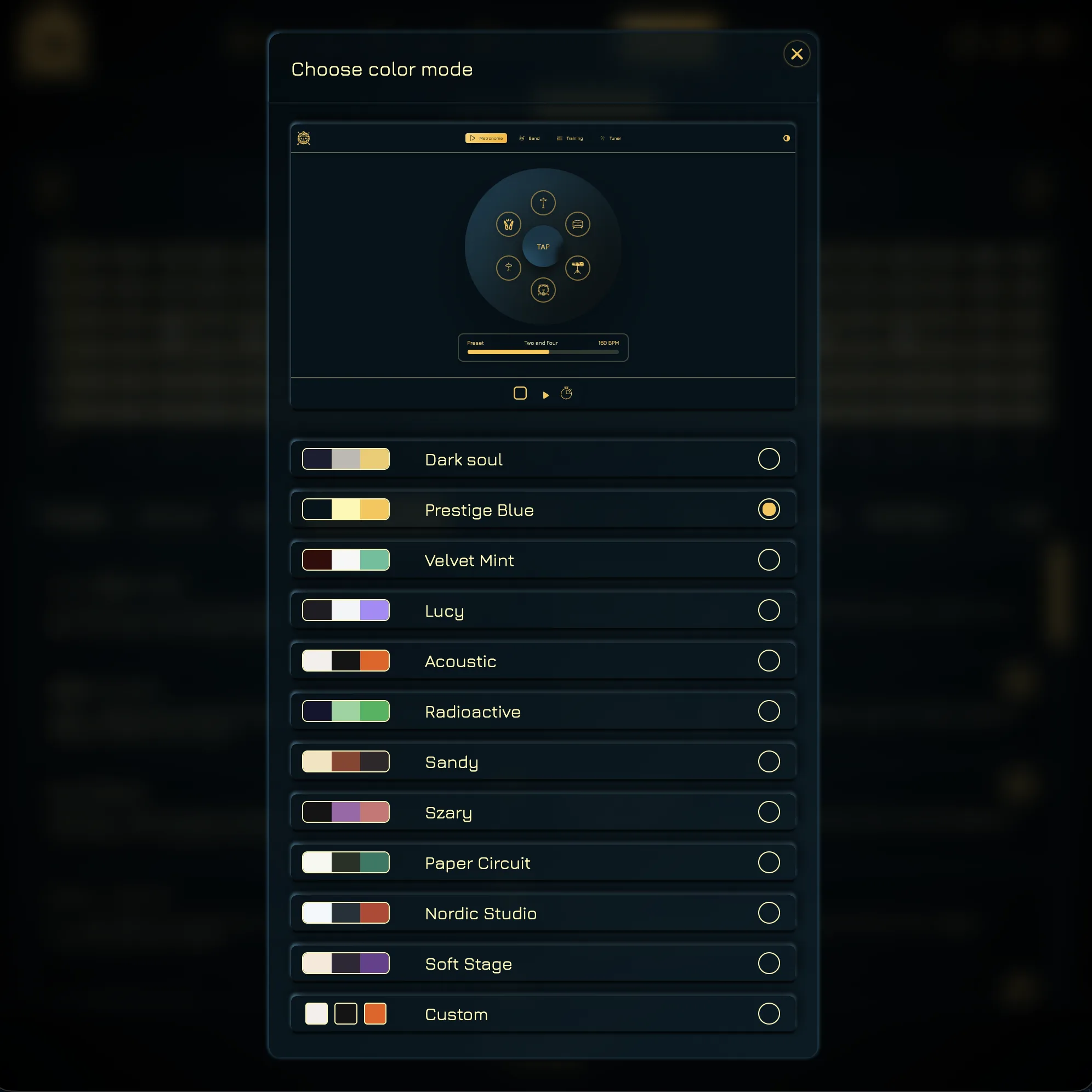
See where the themes live, then watch all eleven ready-made palettes rotate automatically. Dark, bright, warm, or cool — the controls always stay where you expect them.
The button now opens the metronome with the theme picker already visible. Choose a ready-made look or use Custom to set the background, main interface color, and accent separately.
Open the online drum metronome and choose a groove from the preset library. Use the editor when your riff or exercise needs its own accents and drum pattern.
Keep one steady BPM in Standard mode or use Progressive mode to move through a planned tempo workout.
Work anywhere from 40 to 240 BPM for free, or unlock the full 520 BPM ceiling with Premium for truly extreme speed practice.
Use the three-second count-in when you need to get ready, or turn it off with one tap and start immediately.
Metronome mode keeps everyday practice direct, but it does not box you into one sound, one tempo plan, or one visual setup. Start quickly, then customize only the parts that matter to you.
Practice with a beat that feels more like music and less like a utility beep.
Start with clicks, grooves, beats, fills, and showcase patterns across free and Premium options, with a library designed to keep expanding.
Keep it on when you need time to prepare your hands, or disable it when instant playback fits the session better.
Cover slow timing work, everyday practice, and extreme guitar tempos. The free range reaches 240 BPM; Premium reaches 520.
Build a custom preset from hundreds of sounds and save it to your personal library with Premium.
Choose a ready palette or set the background, main, and accent colors yourself, while keeping the same familiar layout.
Hold one tempo steady or turn the same groove into a staged speed workout without switching practice tools.
Open the online drum metronome, choose a groove, and try it with a riff, scale pattern, or chord progression. Start at a comfortable BPM and build from a clean repetition.