Make every layer readable
Set volume separately for each sound so the pulse stays clear without one instrument swallowing the rest of the groove.
Preset editor · Almost 500 sounds
Choose from almost 500 sounds and place them on a clear, comfortable grid. Balance every sound, adjust the note length, loop the bars you want to check, and save the finished preset for later.
Some parts need a specific accent, rest, subdivision, or sound balance. Build that pulse around the music, test the difficult bars in place, and keep the result for the next session.
Set volume separately for each sound so the pulse stays clear without one instrument swallowing the rest of the groove.
Loop a single bar or a range of bars while you edit instead of replaying the entire preset after every change.
Save the finished preset and bring the same setup back for a song, lesson, warmup, or drill.
Real screens, real controls, and the exact path you use when you open this part of the studio.
The full pattern, instrument rows, per-sound volume, step length, bar loop, and playback controls stay on one screen. You can shape the groove and hear the result without breaking your flow.
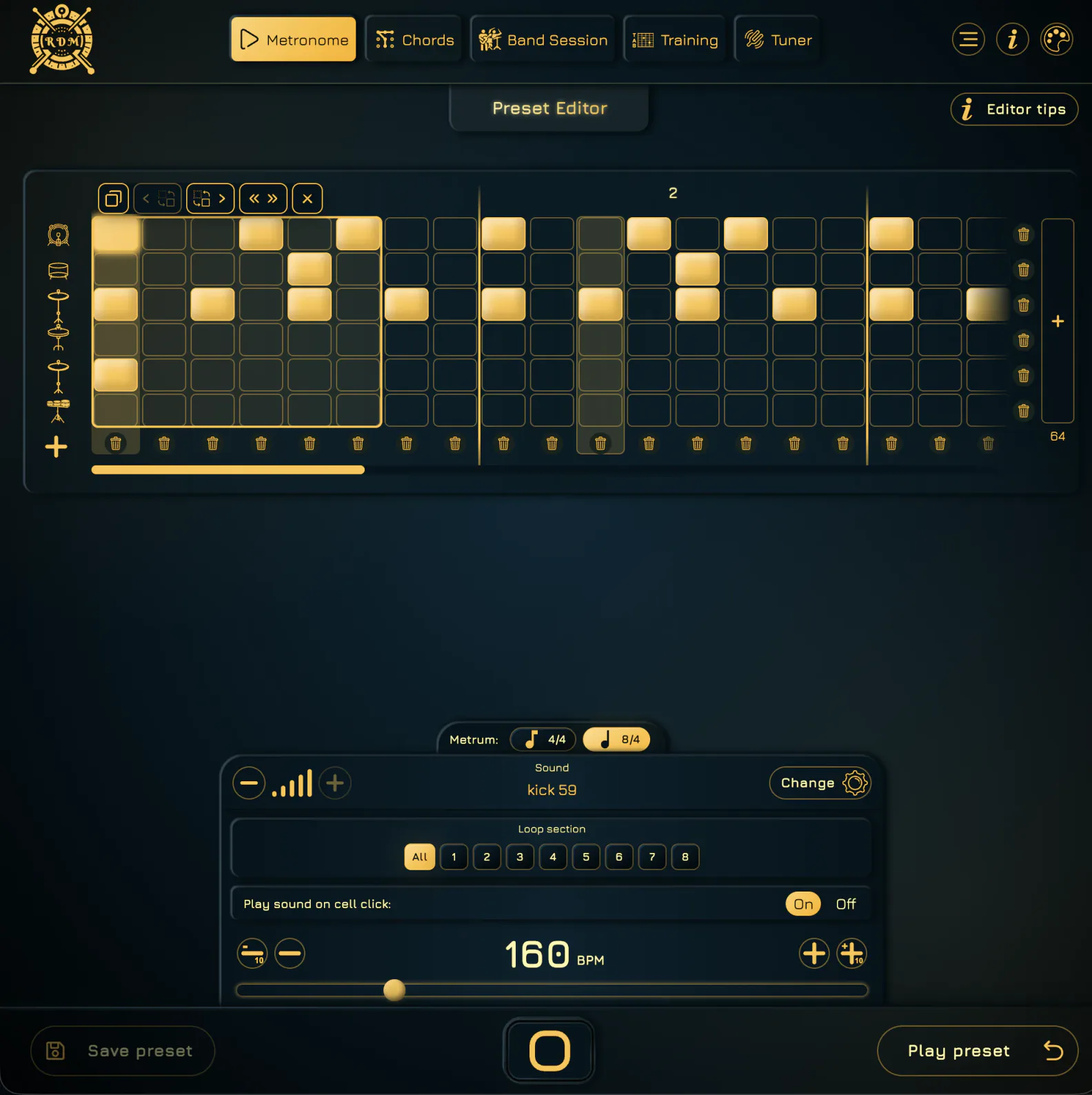
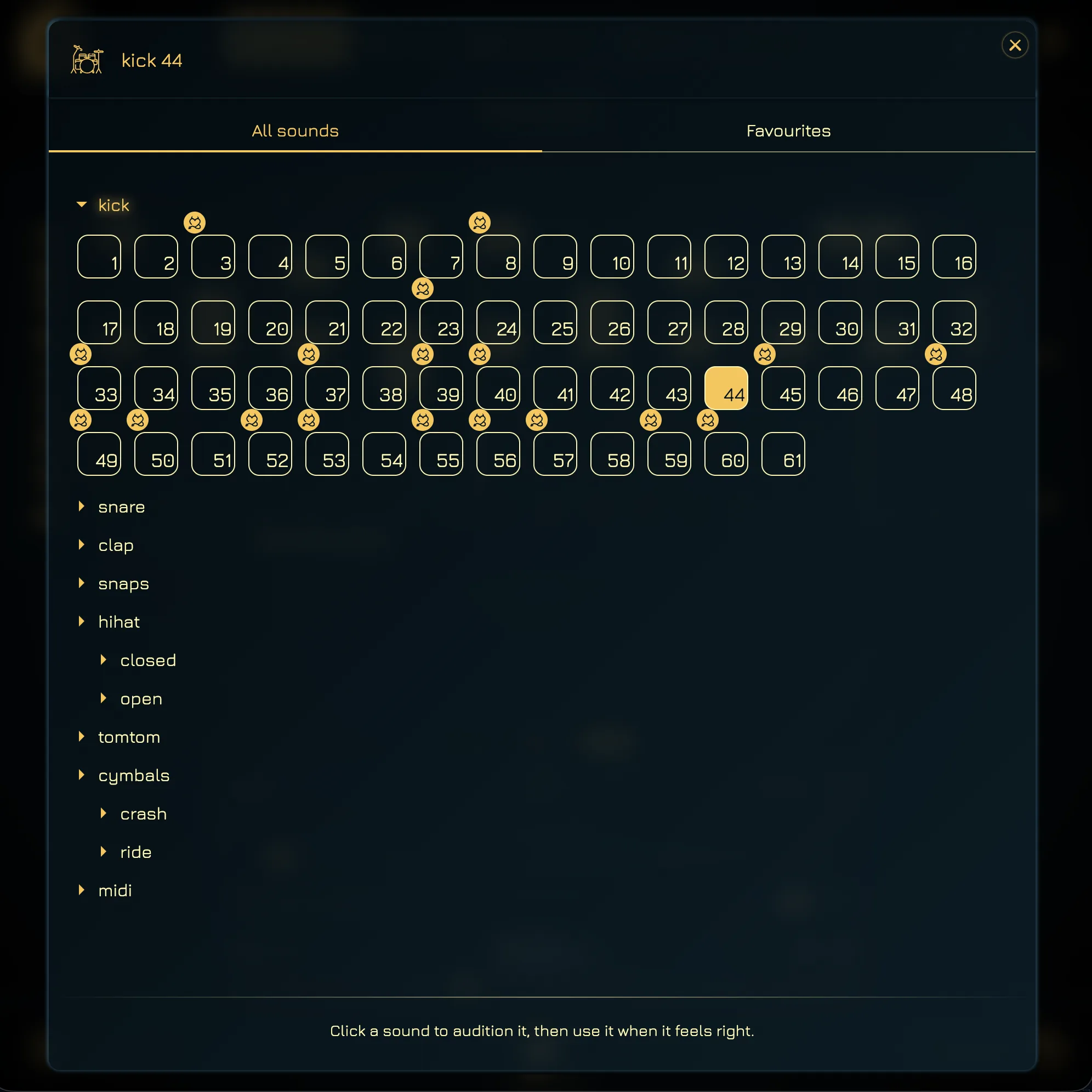
Browse kicks, snares, hats, cymbals, toms, percussion, effects, and MIDI sounds in one picker. Audition a sound before placing it, then swap it into the pattern without leaving the editor.
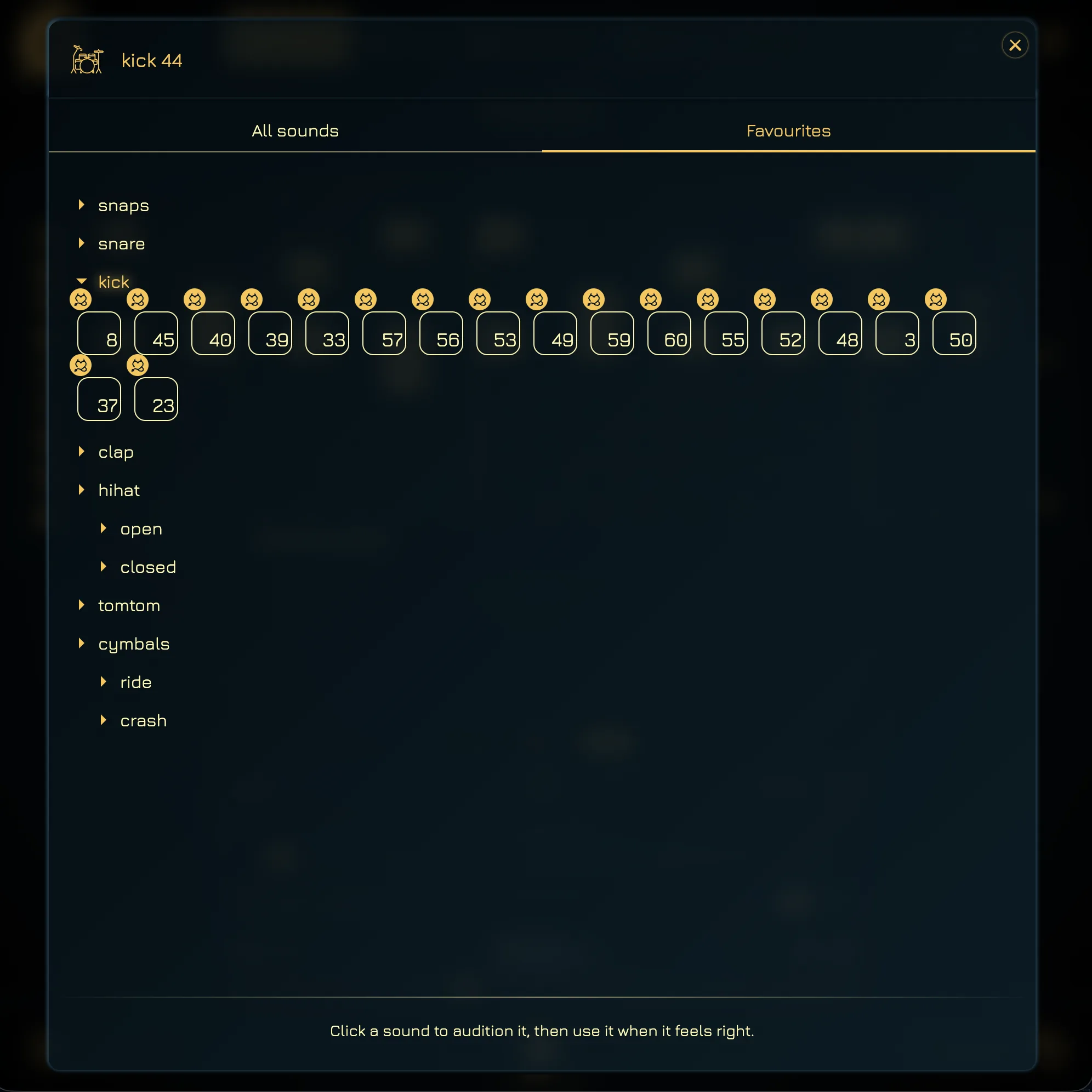
Favourite the sounds that work for your instrument and practice setup, then reach them quickly instead of searching the full library every time.
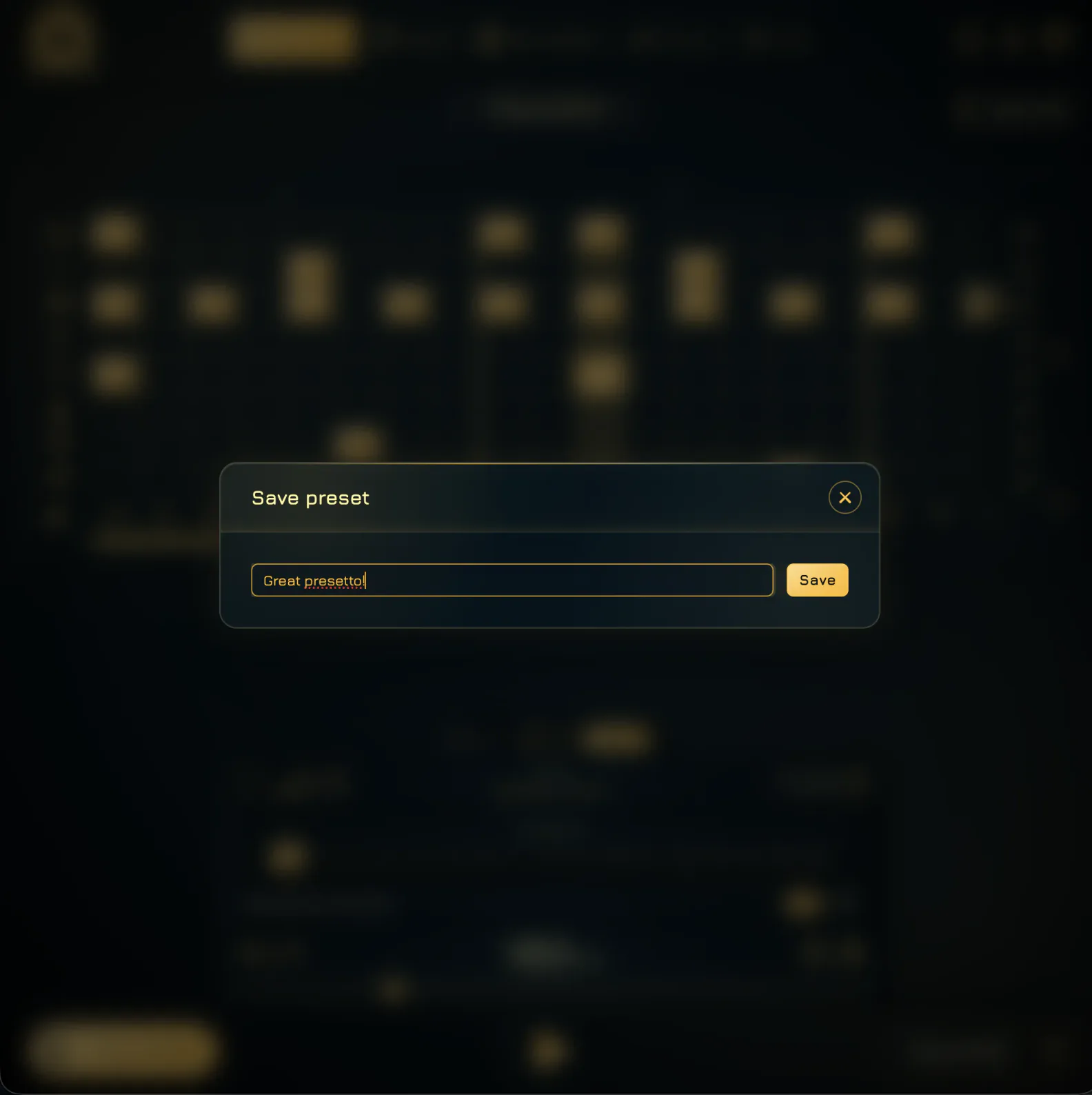
With Premium, save the pattern to your personal library. Give it a name you will recognize when it is time to work on that song, lesson, or warmup again.
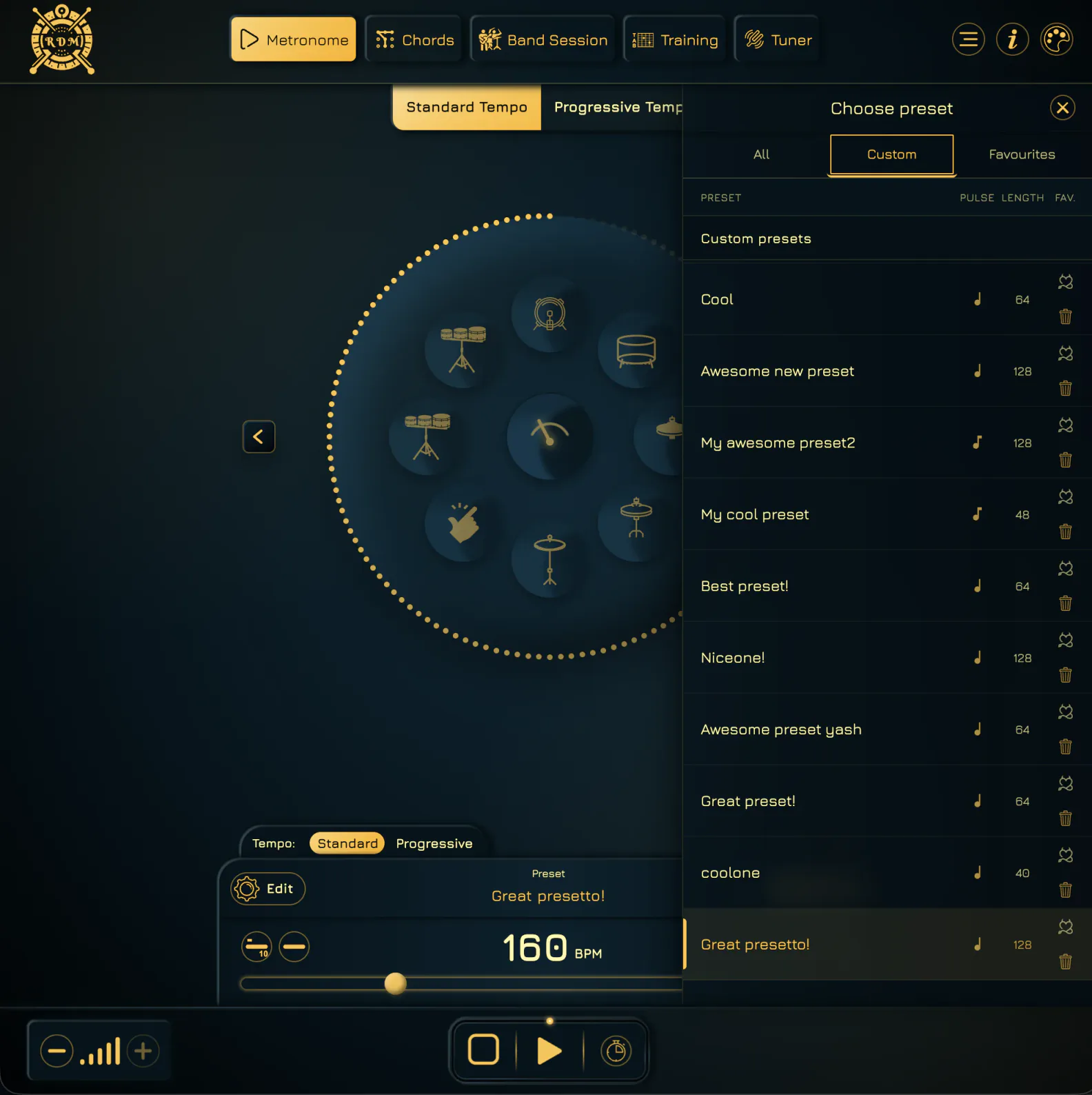
Open the Custom tab in the preset picker and choose a saved groove. Play it in the metronome, adjust the tempo for today’s session, or return to the editor when the part needs a change.
Browse almost 500 options and hear each one before adding it to the pattern.
Place hits on the clear grid and switch between quarter-note and eighth-note steps to set its rhythmic detail.
Set every sound’s volume independently, then loop the whole pattern, one bar, or a selected range while you refine it.
Name the finished preset and keep it ready for songs, students, warmups, drills, or progressive tempo routines.
The editor keeps detailed rhythm work practical. Its controls stay together, sounds are quick to audition, and every useful pattern can move straight from editing into regular or progressive practice.
See every hit, rest, instrument, and bar in one clear workspace, with simple controls for adding or removing steps.
Build with acoustic and electronic drums, percussion, effects, and MIDI voices instead of settling for one click tone.
Adjust each sound’s volume independently and choose quarter-note or eighth-note step length for the pattern.
Loop exactly the bar or range you are editing, hear the change immediately, and expand back to the full groove when it is ready.
Save the preset, then use it again in standard metronome practice or progressive tempo routines.
Choose the sounds, balance them, test the difficult bars, and save the groove once. It will be ready whenever that song or drill needs work again.