Private instead of painfully loud
Every musician hears the pulse directly in their own wired or Bluetooth headphones instead of asking one speaker to overpower the rehearsal.
Band Session · Private click for up to 10 musicians
The host runs one shared tempo and transport. Everyone else joins from a browser, listens on their own phone and headphones, and chooses the compatible sound that works for their part. Only the host needs Premium Band.
The usual private-click setup grows into interfaces, splitters, headphone amps, wireless packs, cables, and routing. Band Session handles the timing job with the browser devices and headphones already in the room.
Every musician hears the pulse directly in their own wired or Bluetooth headphones instead of asking one speaker to overpower the rehearsal.
The host leads tempo and playback. Players keep that shared timing while choosing the compatible click or groove that is easiest for them to follow.
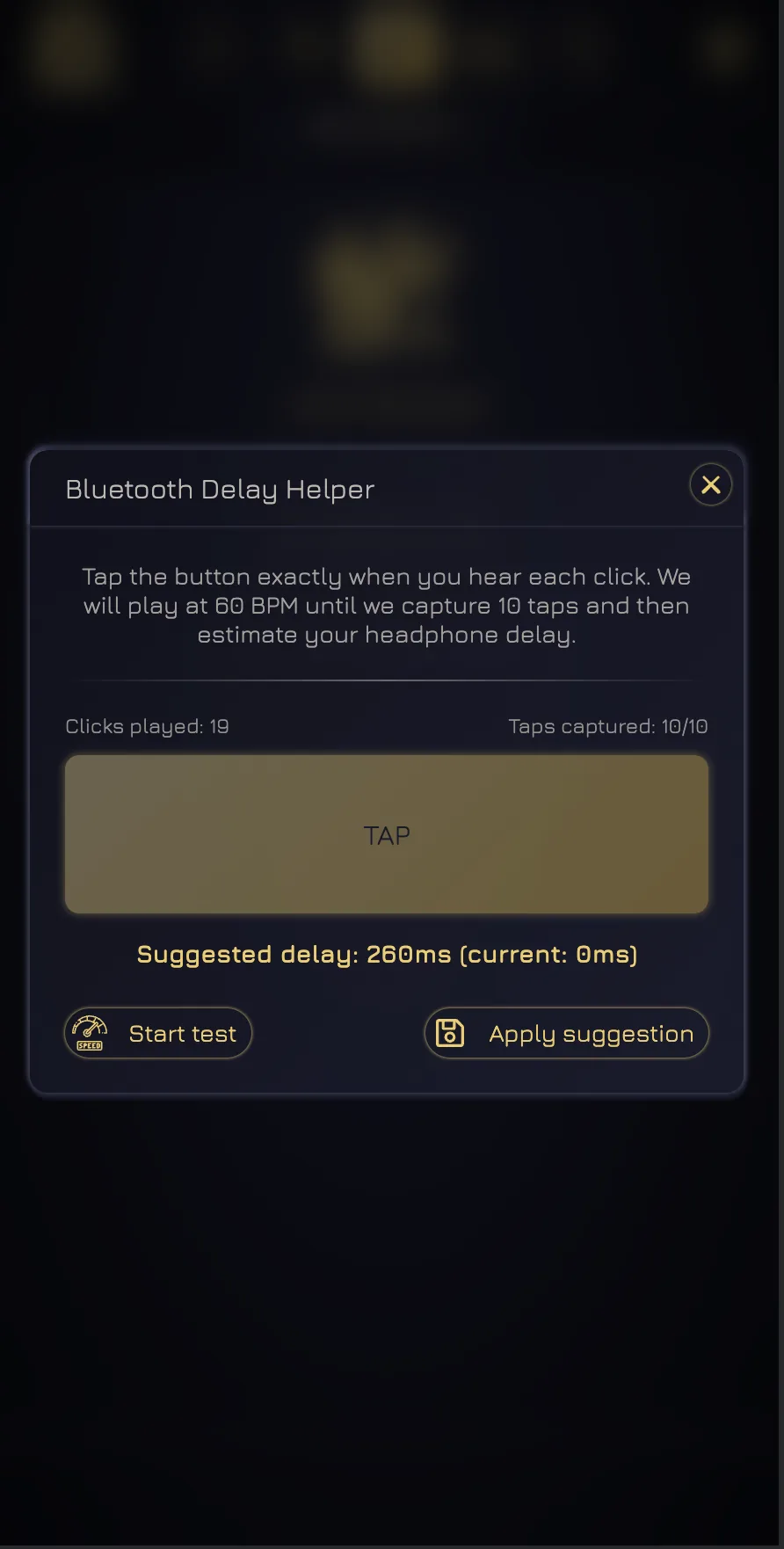
A ten-tap helper measures the listening delay and saves the correction on that device instead of leaving the player to drag a slider by feel.
Band Session turns a link into a private, synchronized click system. Scroll through a real setup—from opening the room to correcting Bluetooth delay—using actual screens from the app.
A Premium Band host creates the room and sends the invite link or five-character code. There is no click-track rack to wire, no headphone distribution box to configure, and no app account to prepare for every guest.
Premium required: host only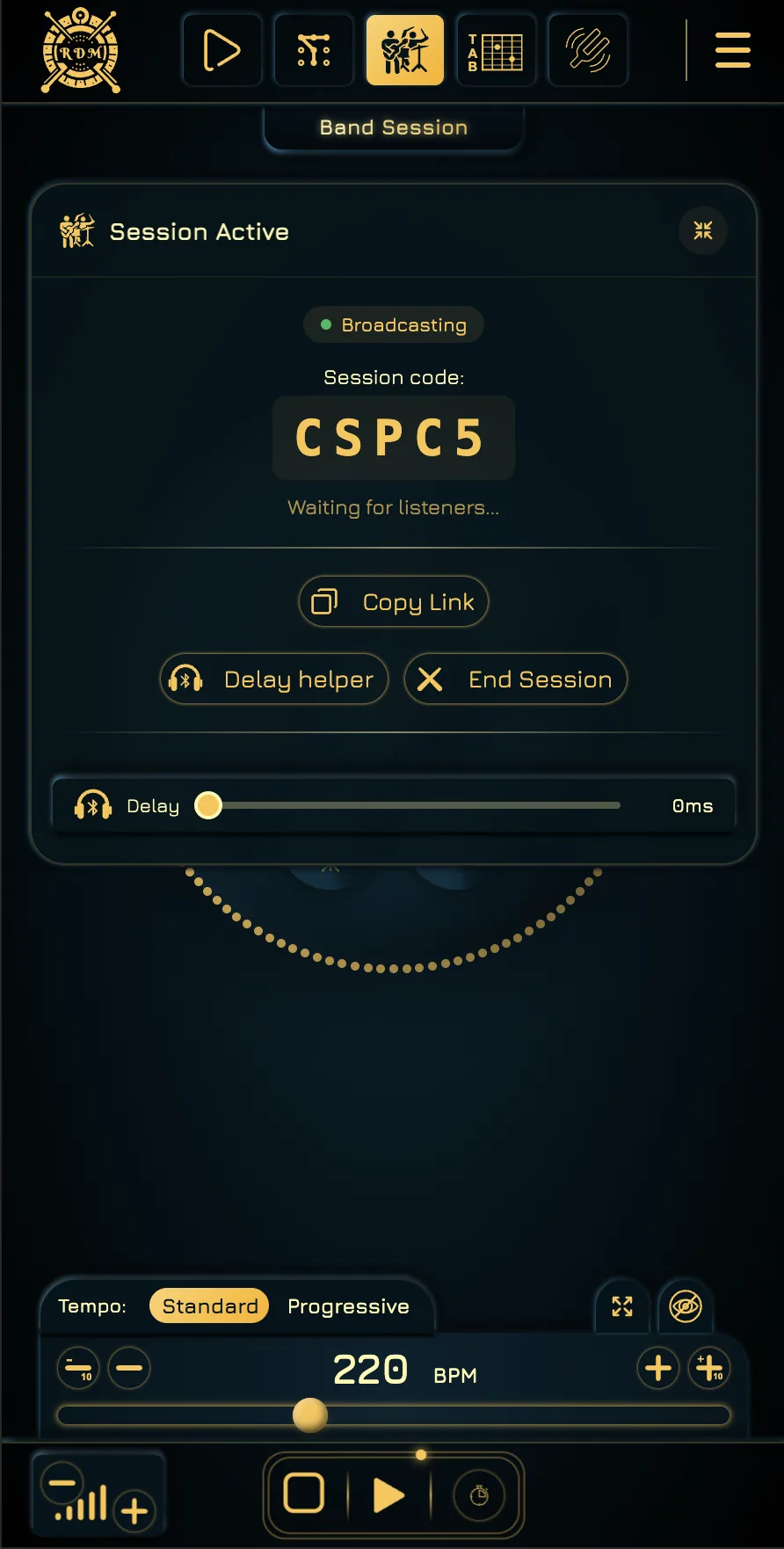
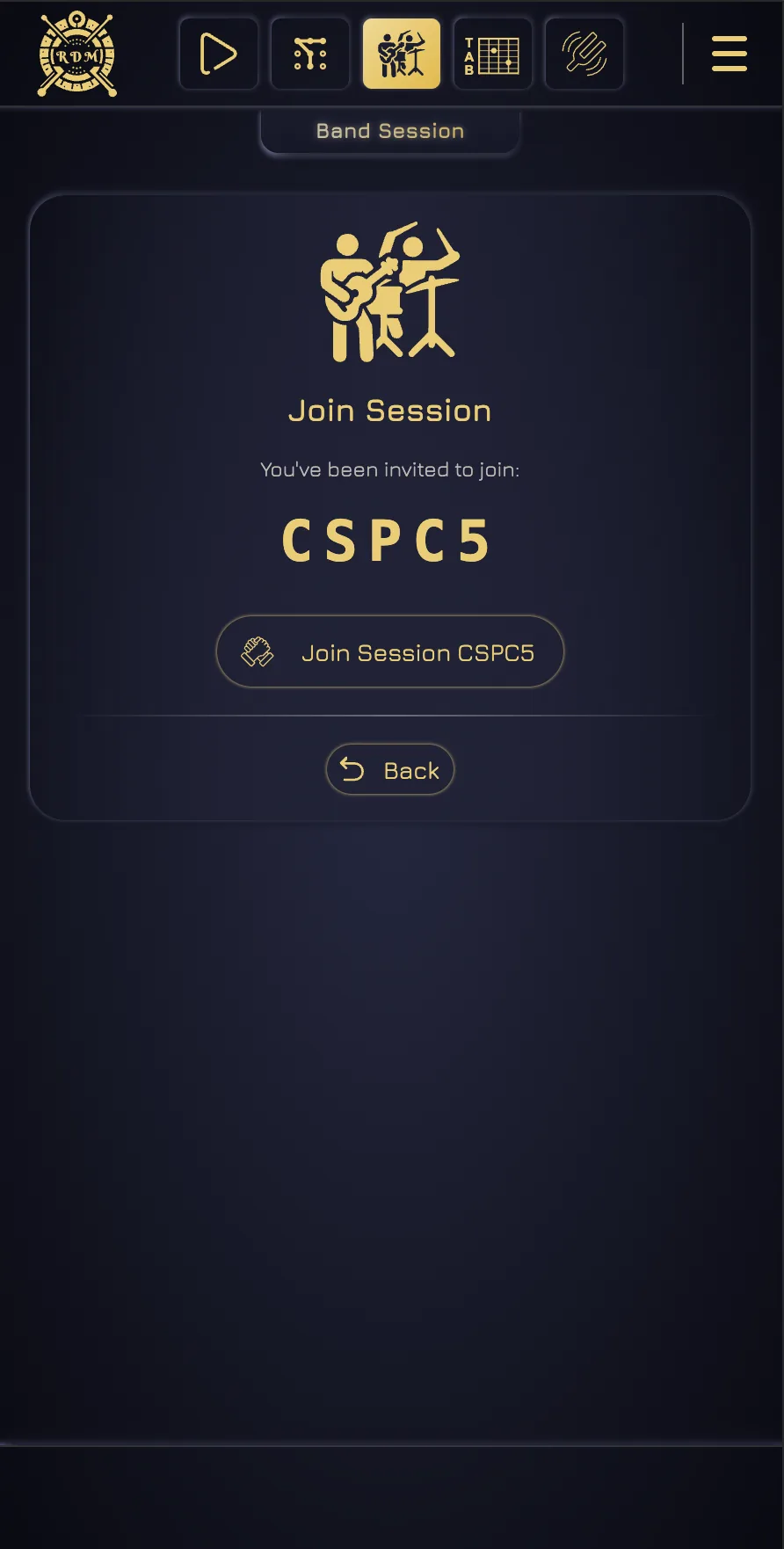
Every musician opens the session on their own browser device. Audio is played locally while the host supplies the common timing and transport, so the whole room follows the same pulse without sending one audio cable to every person.
Up to 10 musicians · Guests need no account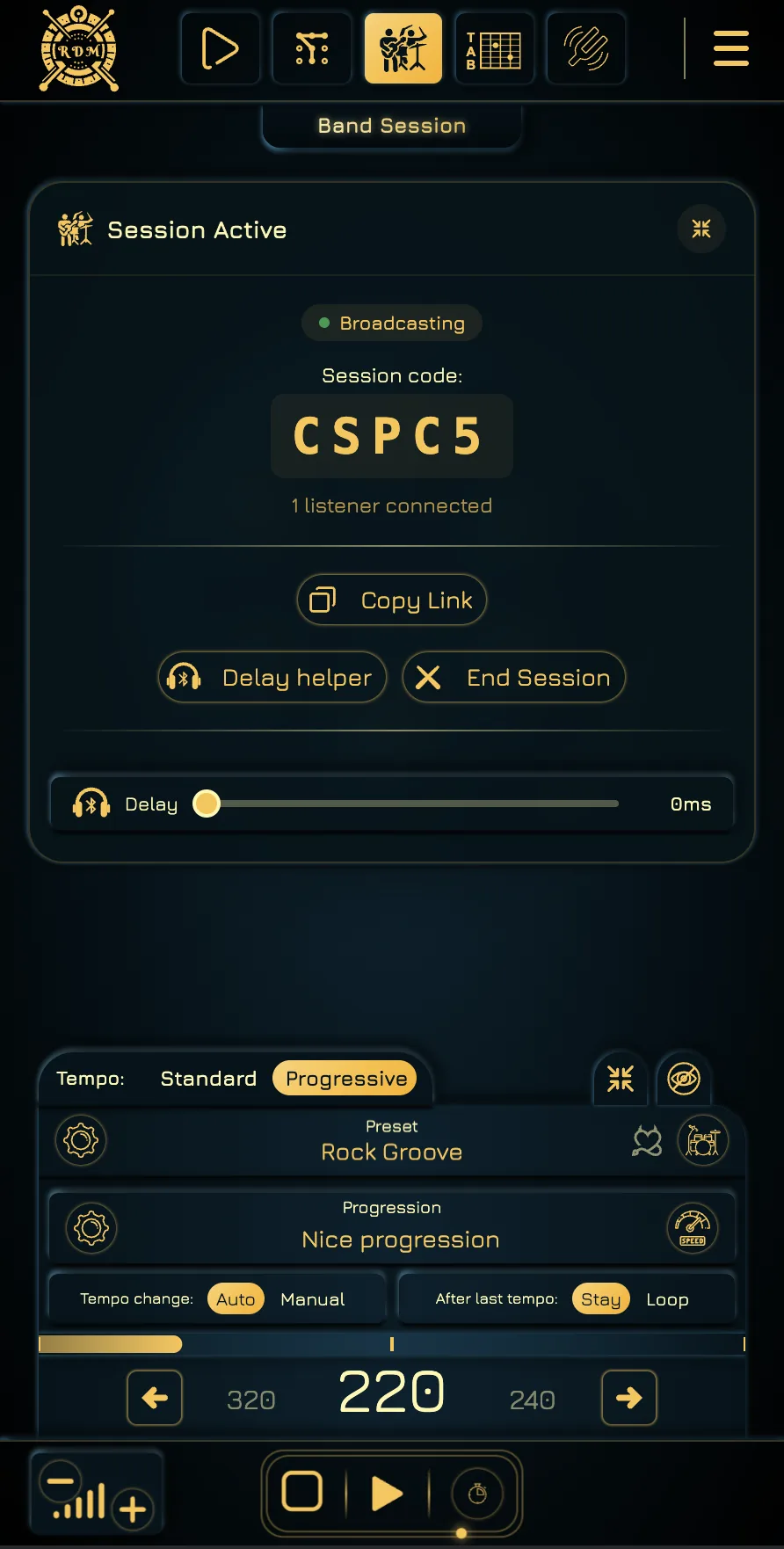
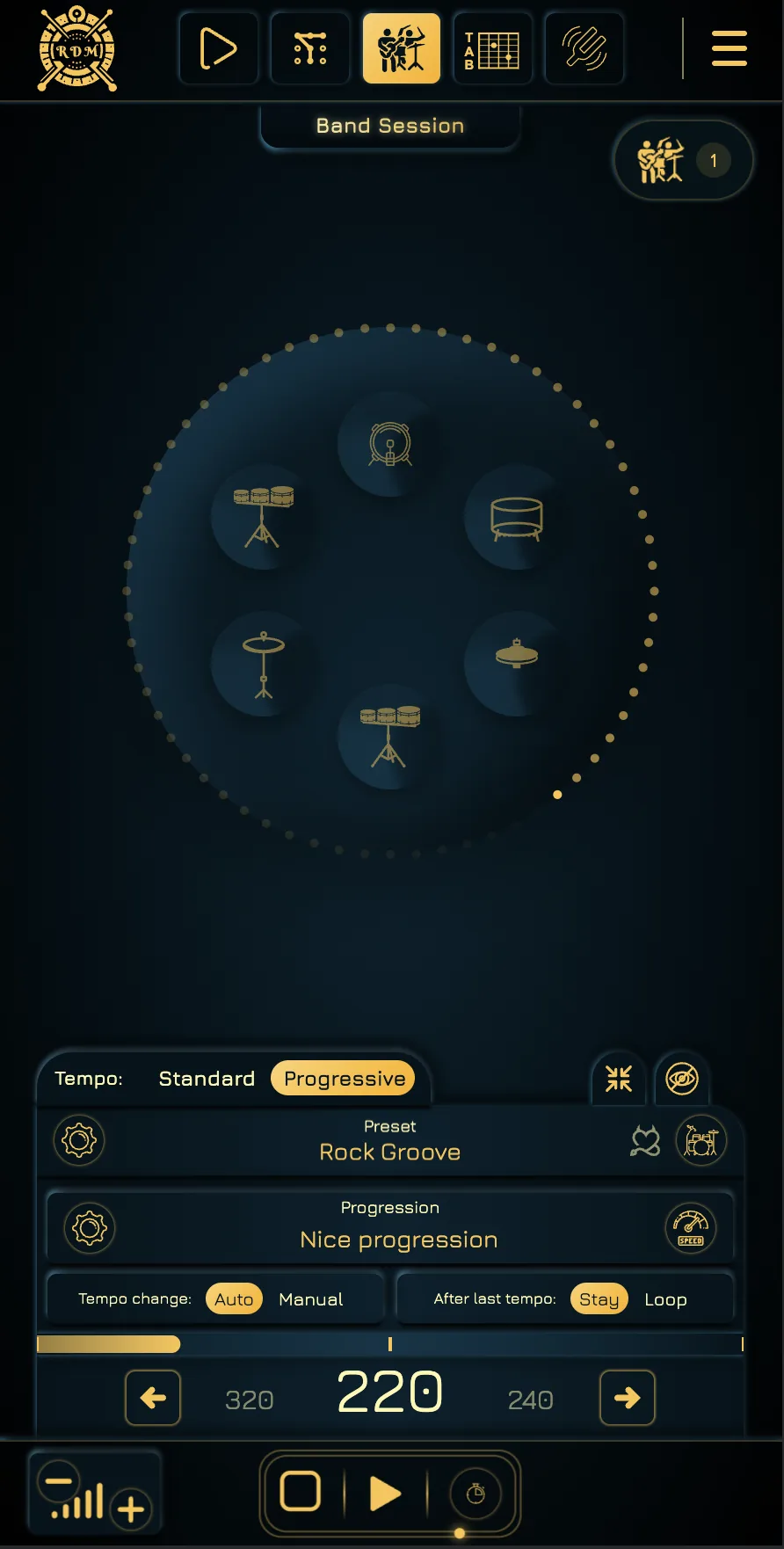
The host controls play, pause, stop, BPM, and the countdown. Standard mode keeps one tempo. Progressive mode can become the rehearsal’s tempo setlist: prepare the BPM for each next song and move to it manually when the band is ready—or turn on Auto when you do want the next step to begin after a chosen number of repeats.
Manual song-by-song steps · Optional automatic changes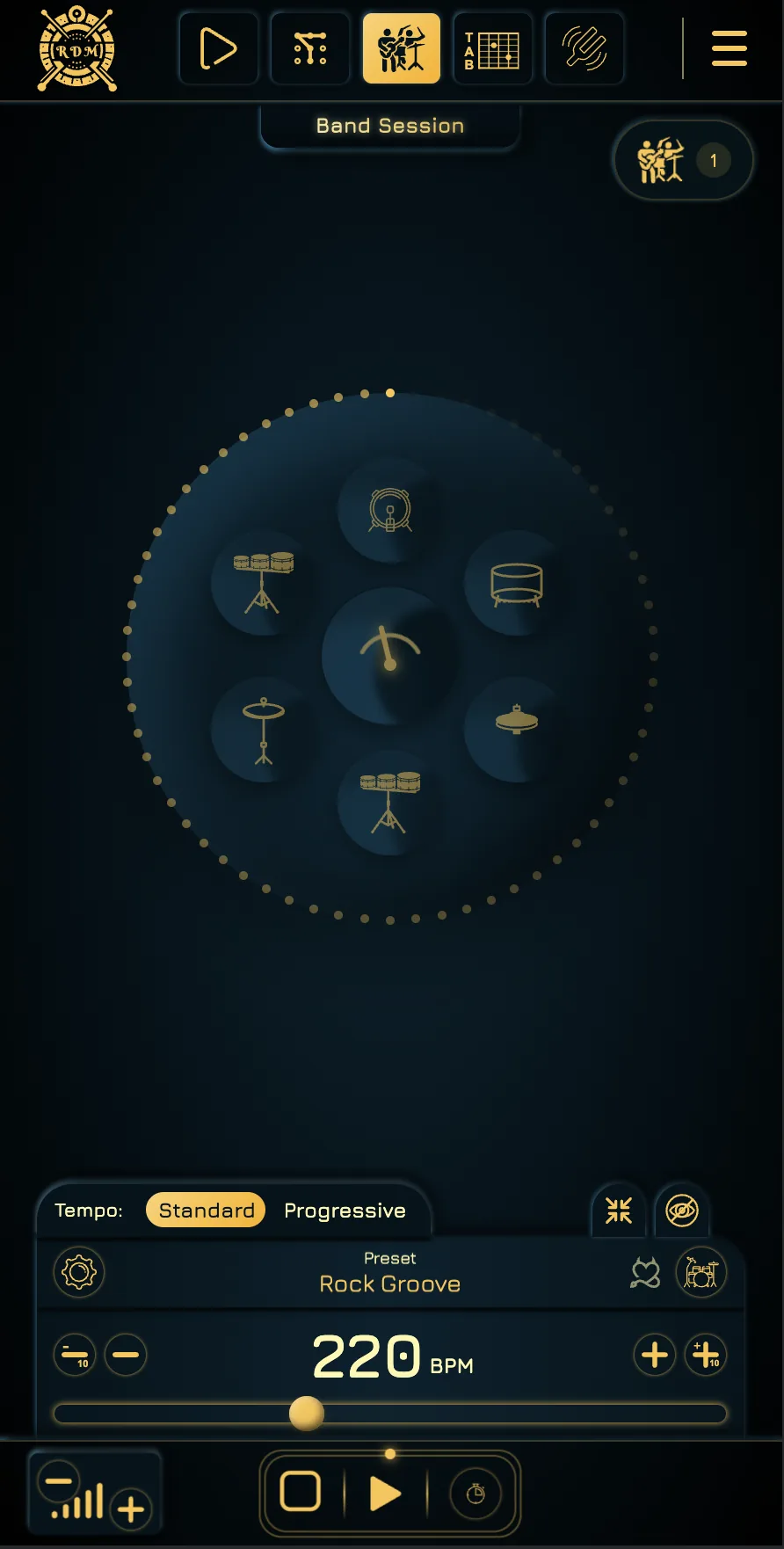
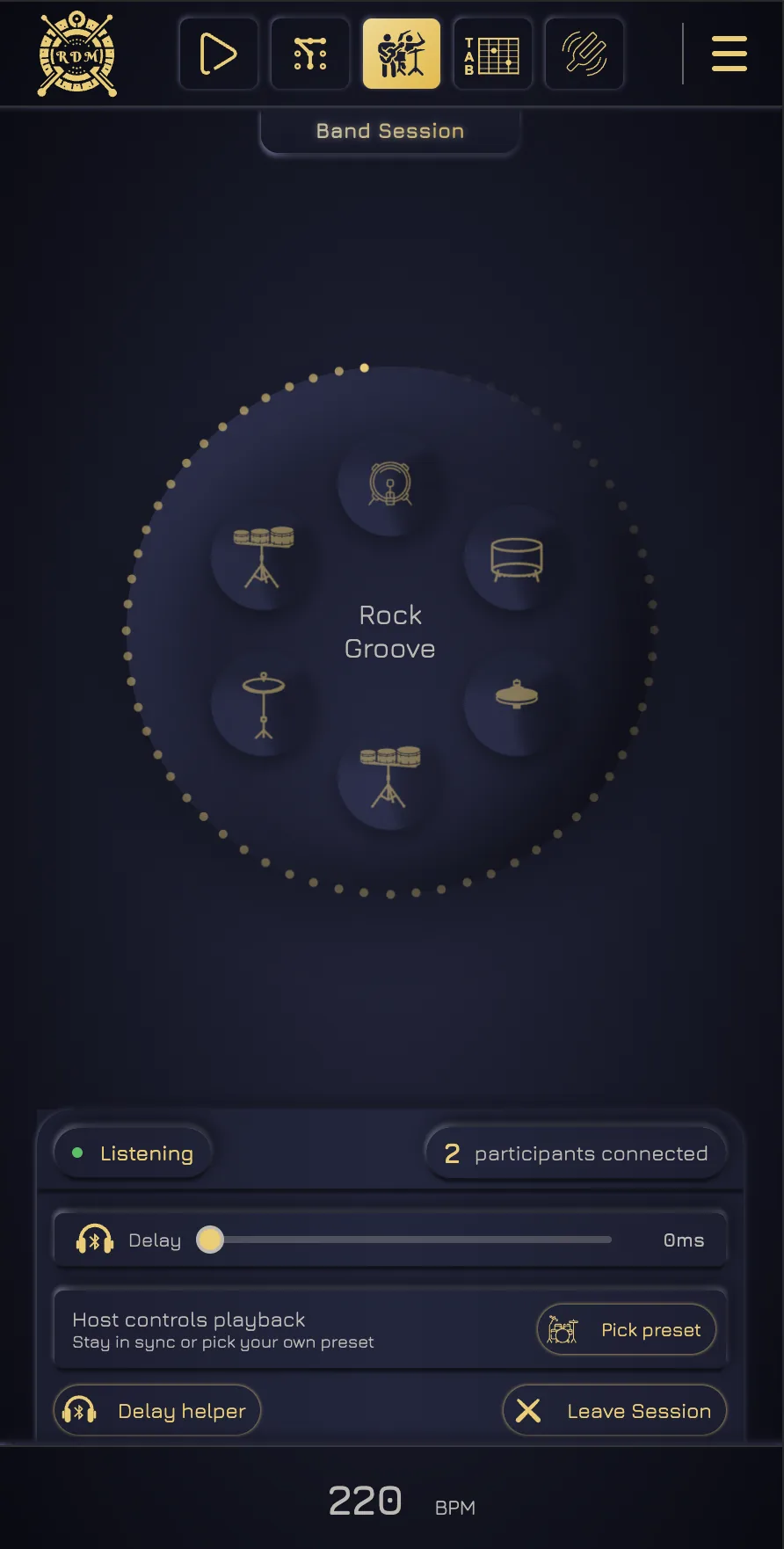
A guitarist can choose a sharp click, a drummer can keep a full groove, and another player can build a Custom Click. Each listener chooses a rhythmically compatible preset while the host keeps tempo and playback shared.
Shared transport · Personal compatible preset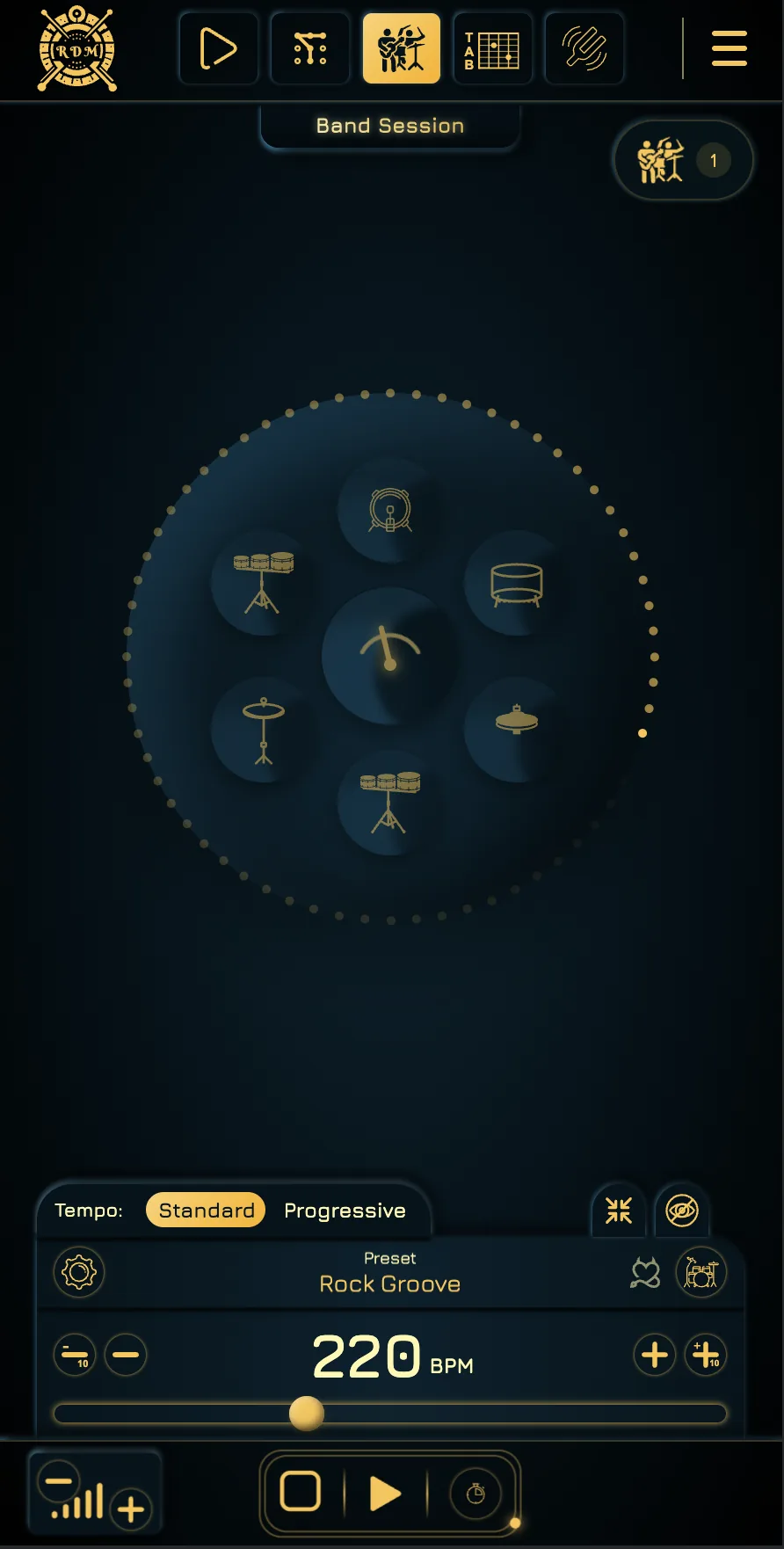
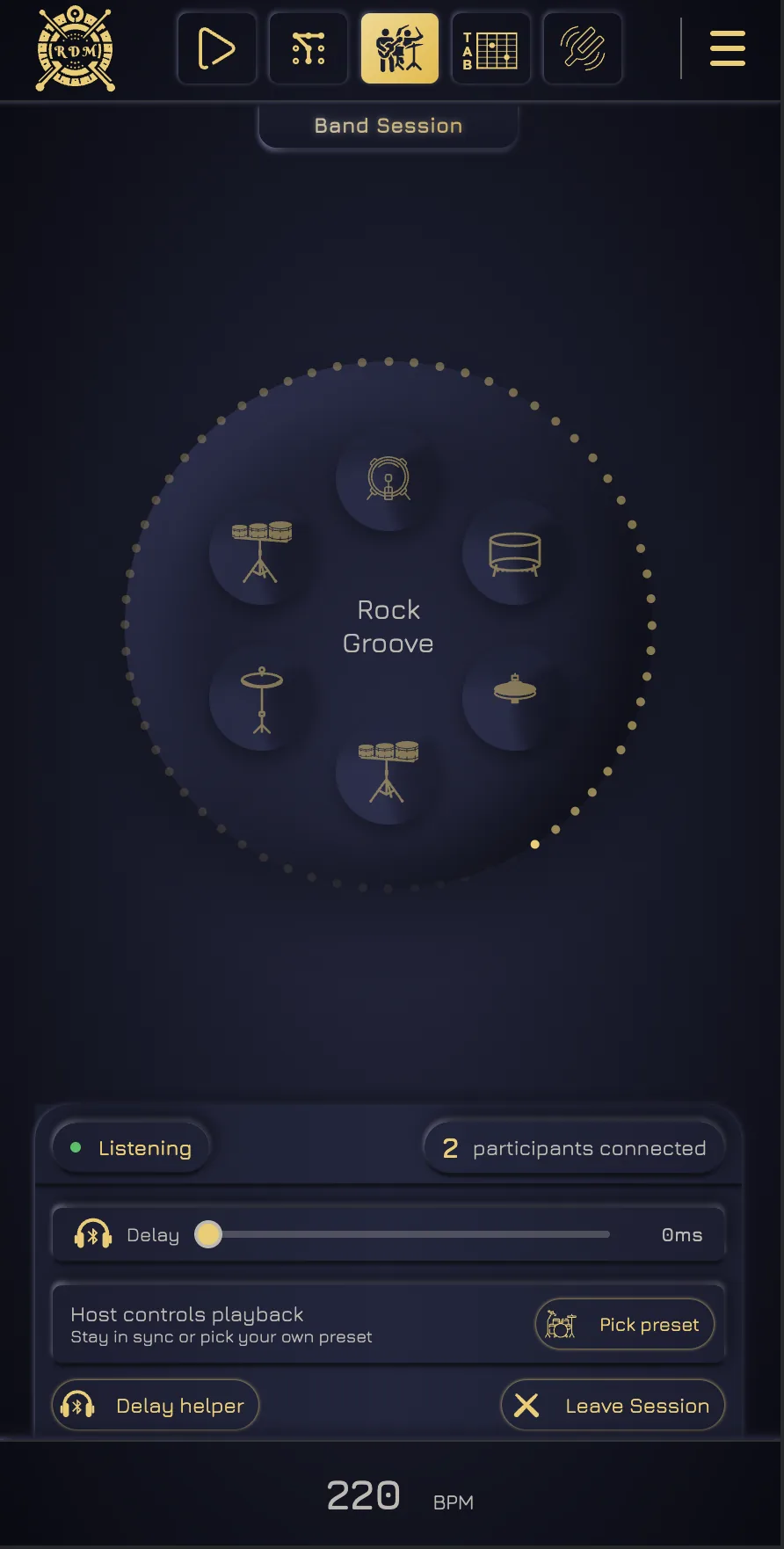
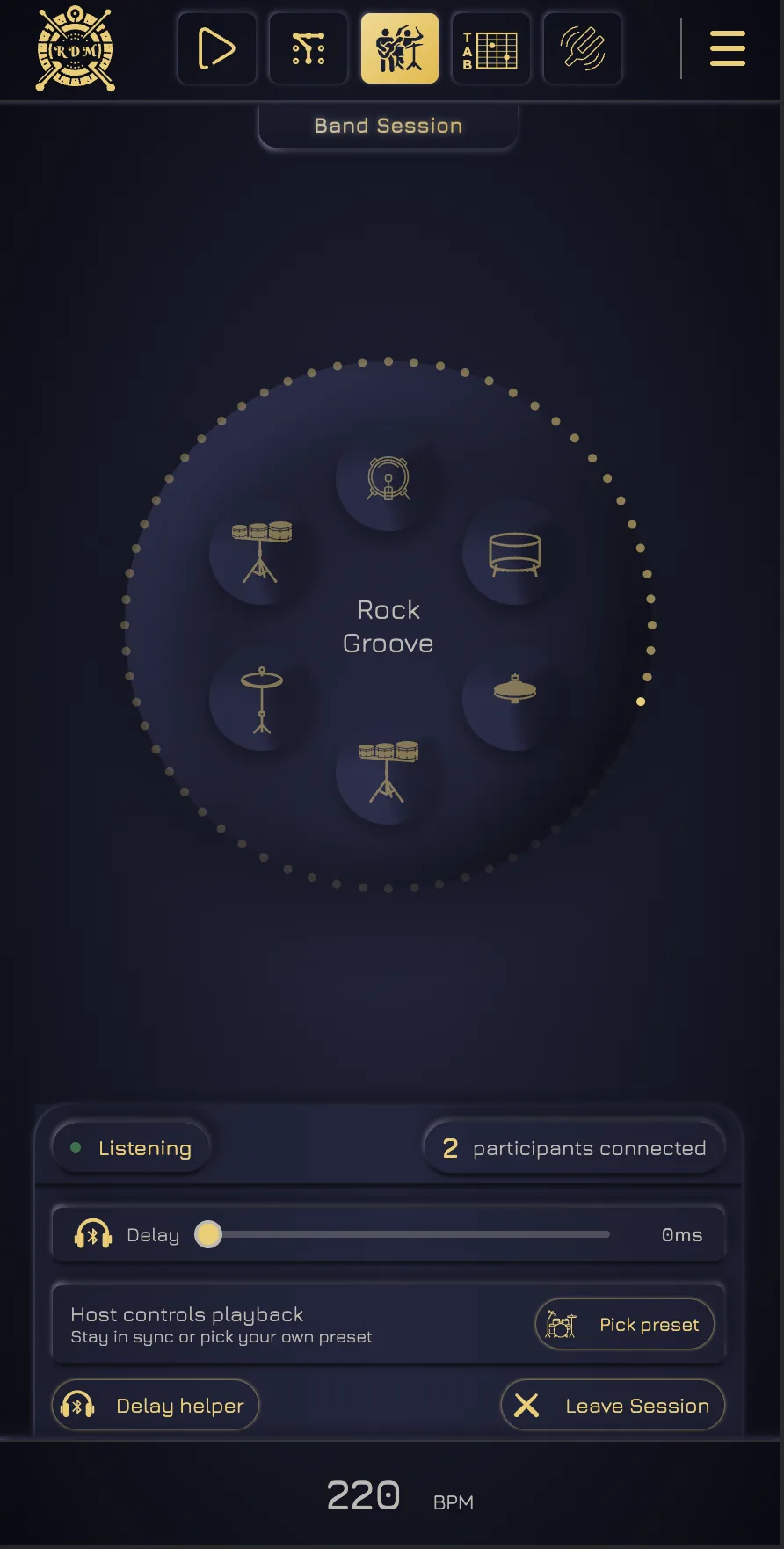
Using Bluetooth earbuds? Tap along ten times and the Delay Helper estimates the device latency. Apply the suggestion once and the correction stays saved on that device for later sessions. Wired headphones work too.
10 taps · Up to 400 ms correction · Saved locally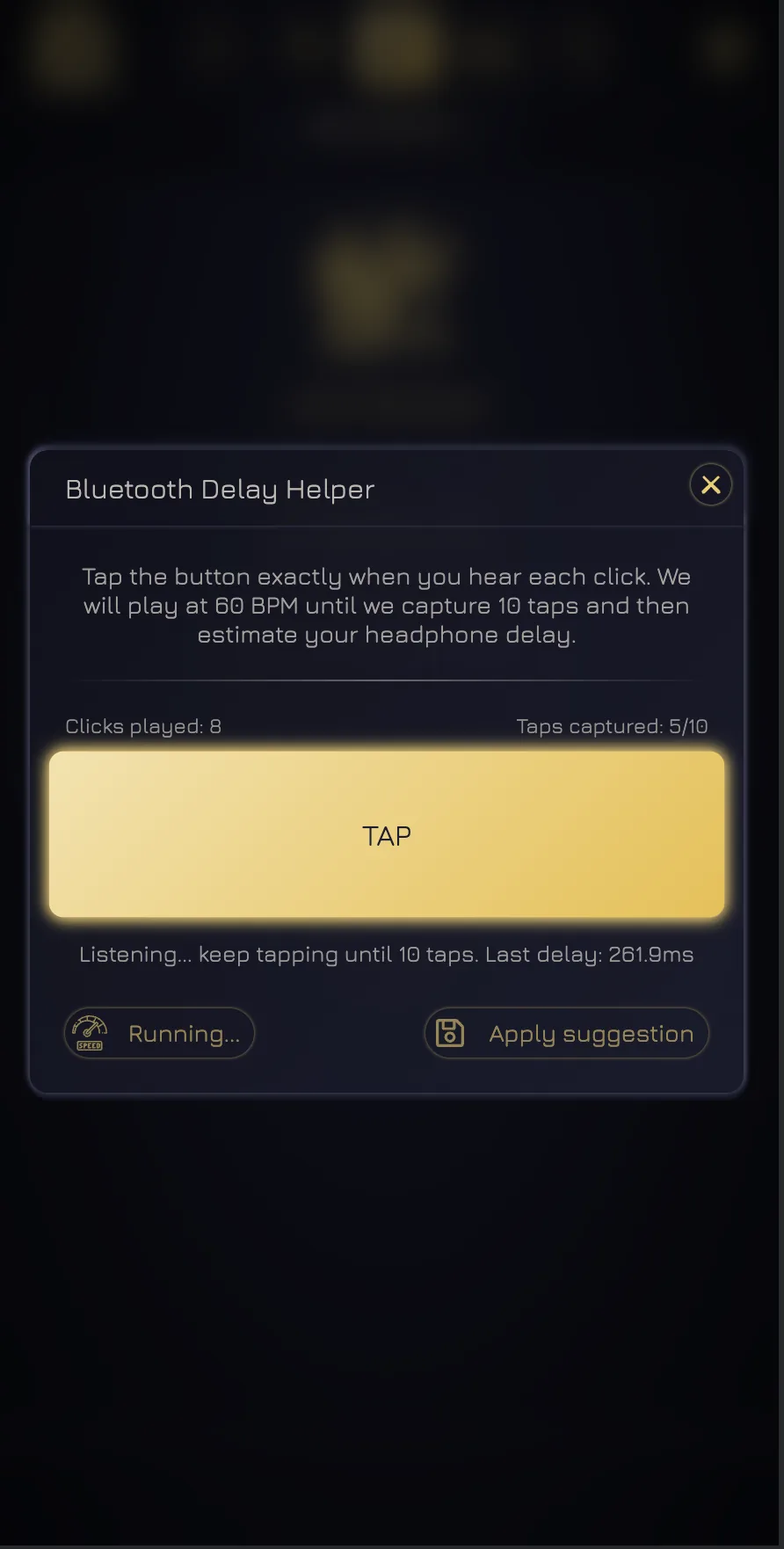
Use the phones already in the room—or another browser device with audio output.
Use wired headphones directly or Bluetooth headphones with delay compensation when needed.
The host shares the live session and every connected player receives the common tempo and transport.
Only the person creating the room needs Premium Band. Everyone invited can join and listen free.
Band Session synchronizes the decisions that must be shared and leaves the listening choices personal. Guests can use compatible session presets—including Premium options—or build a simple Custom Click of their own.
Play, pause, stop, countdown, BPM changes, and progressive-tempo moves travel from the host to the whole session.
Each player can select a compatible click or drum groove that stays audible next to their own instrument.
Send a link or five-character code. Invited players can enter without buying Premium or creating an account first.
Bluetooth correction is applied to synchronized playback and kept on that device for the next rehearsal.
Open one room, invite the band, let every player choose their own sound, and start the next take from the same beat.